

Google Meet Attendance Tracker
A free Chrome extension that takes attendance for you in every Google Meet call — join/leave timelines, attendance percentages, rosters with absent and late detection, and one-click export to CSV, Excel, or PDF.
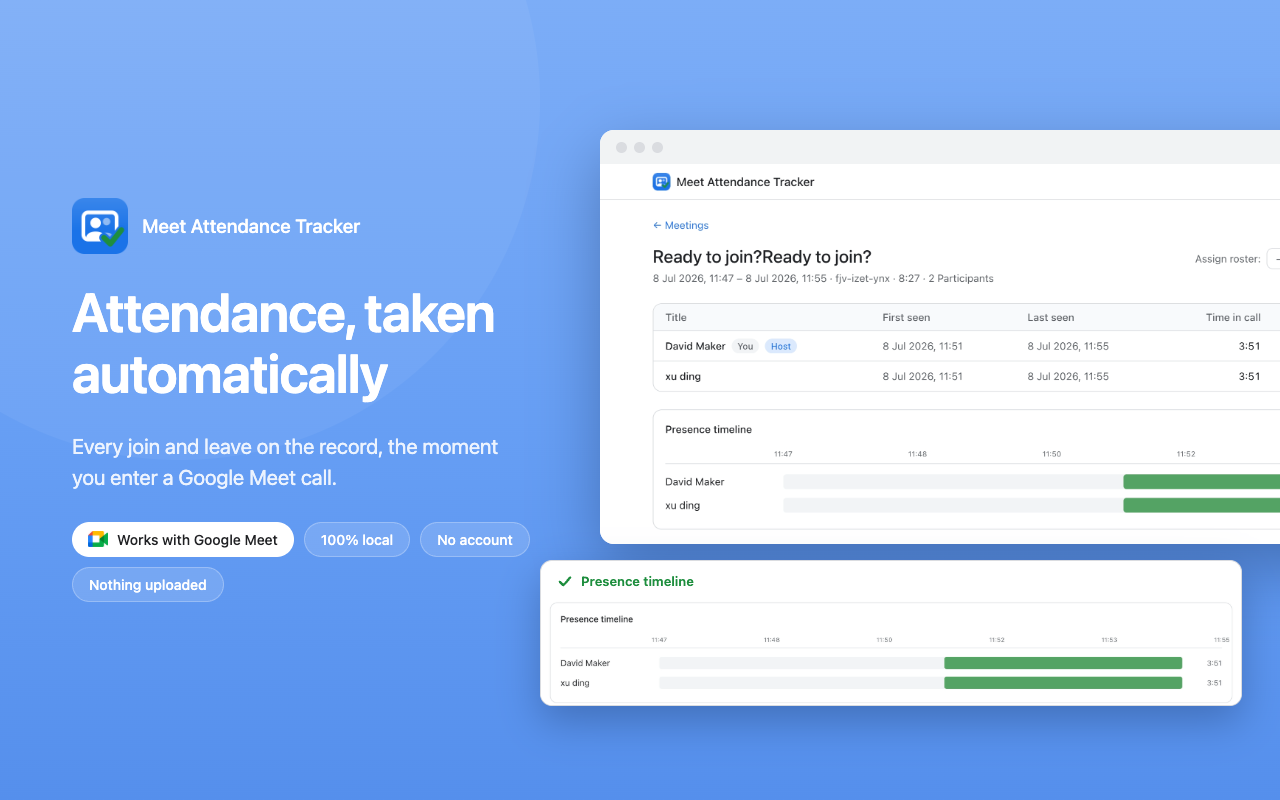
Attendance, taken automatically
Install once and forget it. The moment you join a Google Meet call, tracking starts on its own — a small in-call pill shows a live attendance count while every join, leave, and rejoin is logged with a timestamp.
- Free — no account, no sign-up, no limits
- Attendance percentages calculated per participant
- Works quietly — participants install nothing
How the extension works
Add to Chrome
Install the free extension from the Chrome Web Store. That's the whole setup — no account to create and no configuration needed.
Join any Google Meet
Tracking starts automatically when you enter a call. A lightweight in-call pill shows a live attendance count while you teach or present.
Review & export
Open the dashboard to search every meeting, check timelines and percentages, and export to CSV, Excel, or PDF in one click.
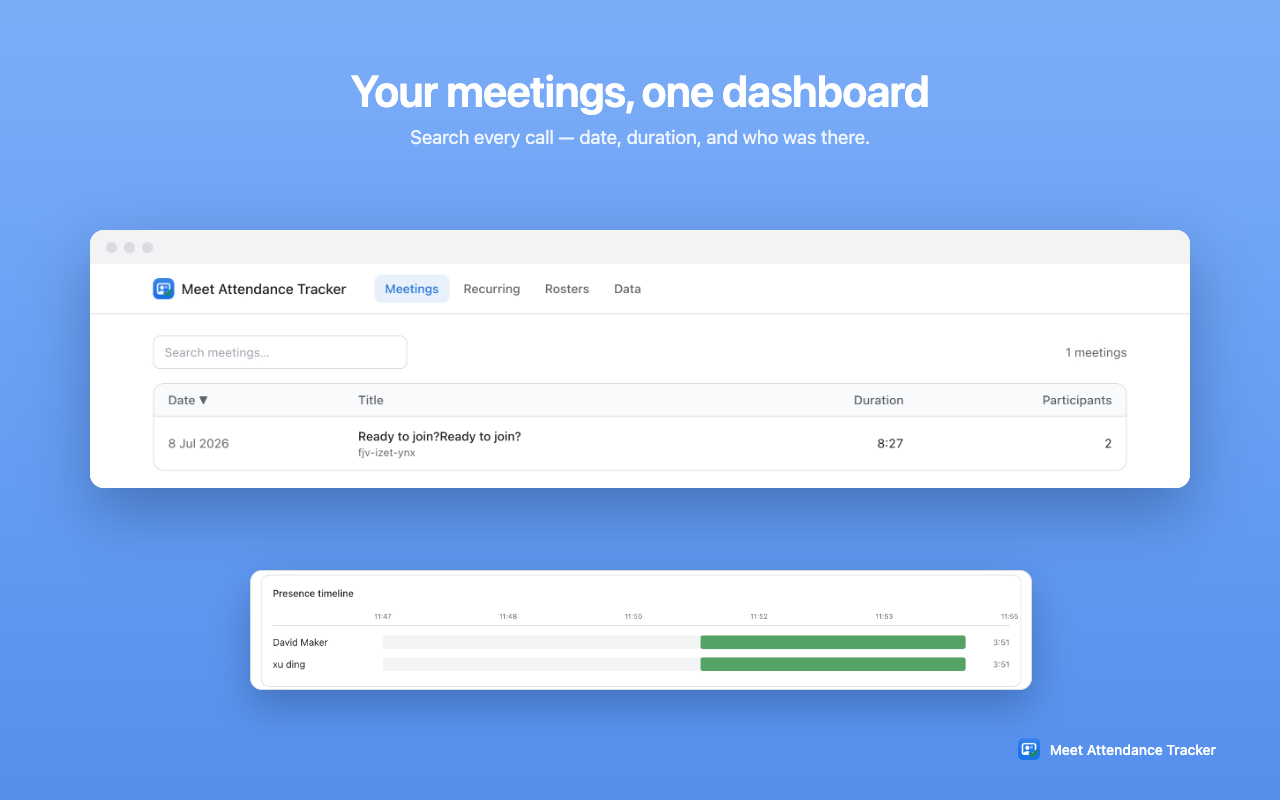
Every meeting in one searchable dashboard.
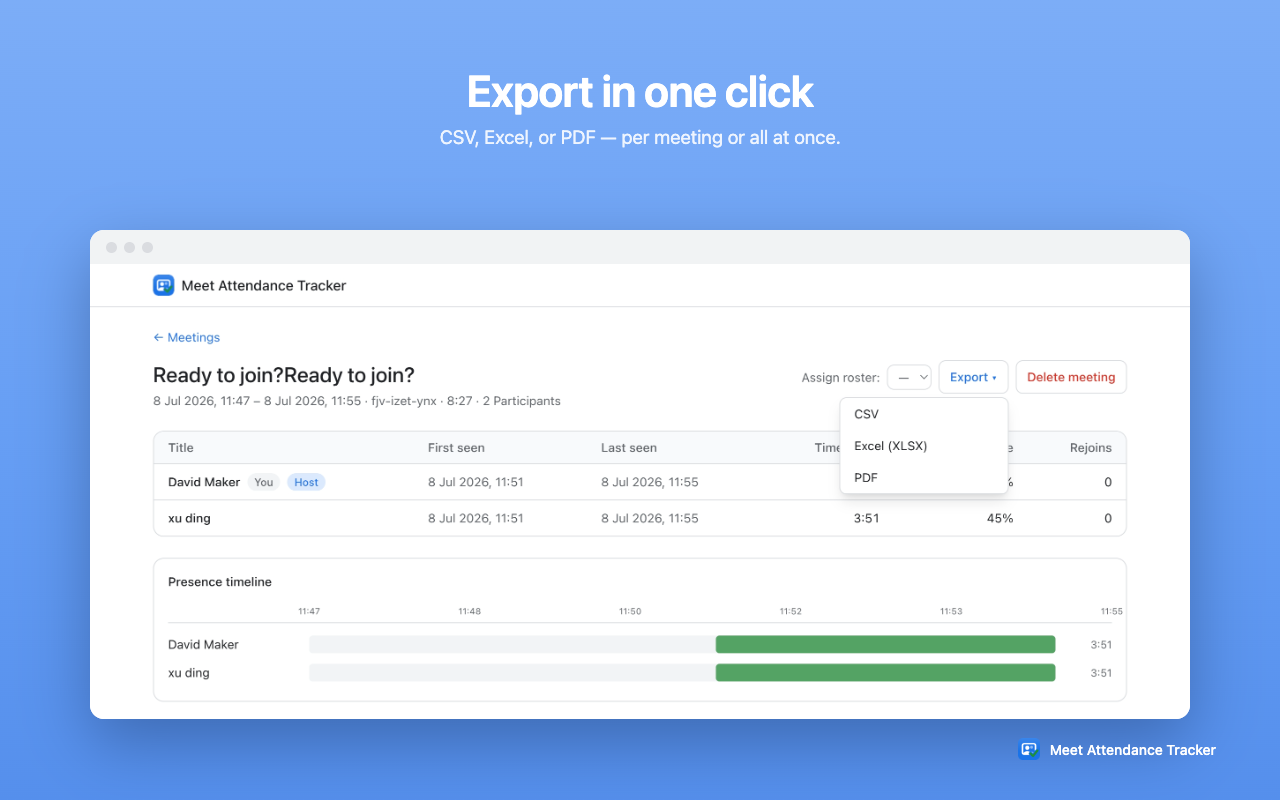
One-click export — CSV, Excel, or PDF.
Attendance records you can actually rely on
Complete join/leave timeline
Every join, leave, and rejoin is logged with a timestamp, so you know exactly who was present and when — not just who showed up at roll call. Someone who drops and rejoins keeps credit for their combined time.
Attendance percentages
Time in call is measured against the meeting duration, giving each participant an attendance percentage — perfect for the 80% rule and other minimum-attendance requirements.
Rosters with absent & late detection
Load your class or team roster and the extension flags who's absent or late — with fuzzy name matching that handles nicknames and typos automatically.
Recurring class matrix
Meetings with the same Meet code are grouped automatically, building an attendance matrix across every session of a recurring class, course, or standup.
Your data never leaves your browser
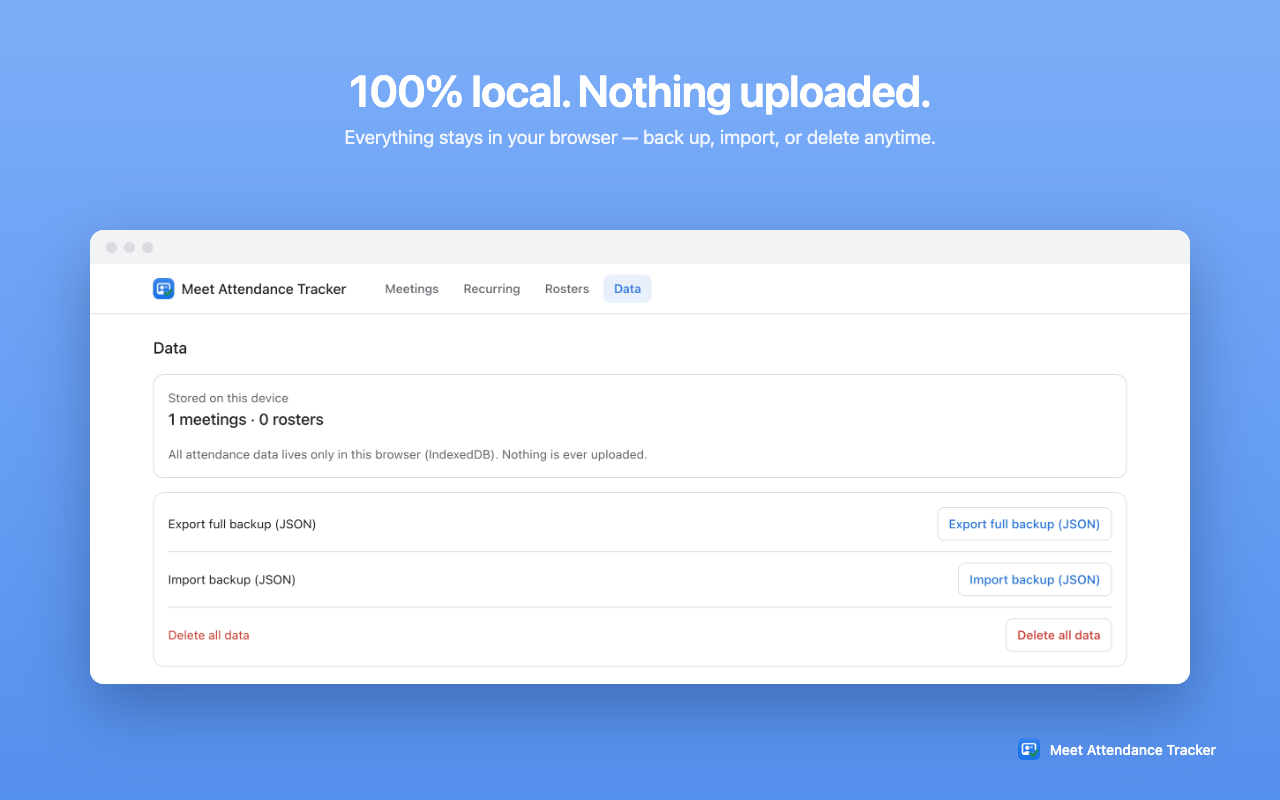
Attendance records can be sensitive — student names, employee lists, who was late and who was absent. That's why the extension is built so there's nothing to trust us with: all data is stored locally in your browser (IndexedDB) and no external network requests are ever made.
- No cloud, no servers — records exist only on your device.
- No account required — nothing to sign up for, nothing collected about you.
- Nothing sold or shared — there's no data to sell.
- You stay in control — back up, import, or delete everything anytime.
Who is it for?
Anyone who runs Google Meet calls and needs a record of who was there:
- Teachers and tutors — automatic attendance for online classes, with a recurring matrix across the whole term.
- Corporate trainers and workshop facilitators — attendance percentages for completion requirements and CPD/CE credit.
- Team leads and meeting organizers — a searchable log of who joined which standup or review, without taking notes.
- HR and compliance teams — exportable XLSX/PDF records for mandatory training sessions.
Turn tracked attendance into certificates with CertFusion
Meet Attendance Tracker is built by the team behind CertFusion. Once you know who attended enough of your session, the next step is getting branded certificates into their inboxes. With CertFusion's webinar certificate feature you can design a certificate once and auto-issue it to everyone who met your attendance threshold — personalised, verifiable, and sent in bulk by email.
Simply export your attendees from the extension as CSV and import them into CertFusion — or connect CertFusion directly to Google Meet to import participants automatically and skip the CSV entirely.
Frequently Asked Questions
Is Meet Attendance Tracker free?
Yes — the extension is completely free on the Chrome Web Store. There's no account to create, no subscription, and no usage limits.
Where is my attendance data stored?
Everything is stored locally in your browser (IndexedDB). Nothing is ever uploaded to a server, and the extension makes no external network requests. You can export a full backup or delete all data at any time.
Does it work for recurring classes or meetings?
Yes. Meetings with the same Google Meet code are grouped into a recurring class matrix, so you can see who attended each session across the whole series at a glance.
What export formats are supported?
You can export attendance as CSV, Excel (XLSX), or PDF — per meeting or in bulk for all meetings at once.
Do participants need to install anything?
No. Only you install the extension. It reads the participant list of calls you are in, so attendees don't need to install or configure anything.
Start tracking attendance in your next Meet
Free, private, and automatic — installed in under a minute.
Add to Chrome — It's Free